
How to Hide Drive Letters
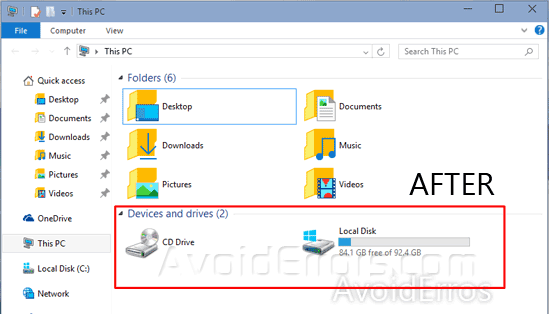
Here’s a little trick to hide the drive letters in Windows 10 and 8.1:

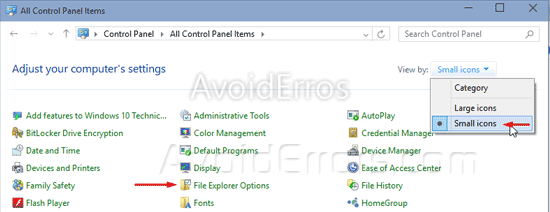
Open the Control Panel > Select Small icons from the View by drop-down and select Folder Options or File Explorer Options.
Go to the View tab. Under advance settings uncheck “Show drive letters” checkbox.


