
How to Uninstall Your Windows Product Key
Do you have a PC that you need to get rid off and would like to use the Windows License key on your new rig?
This process will show you how to remove a Windows product key from an old PC or a PC that will no longer be use.
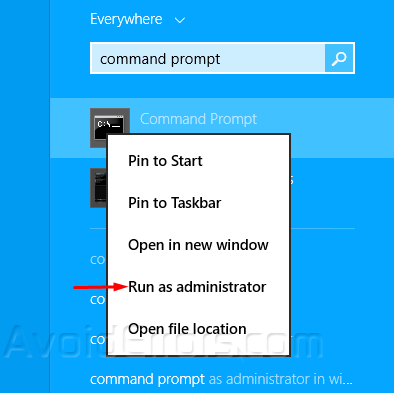
1. Run Command Prompt as admin.
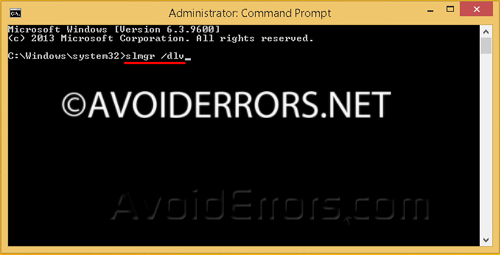
2. Enter the following command:
slmgr /dlv
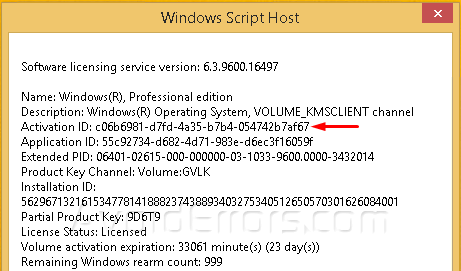
3.Windows will open a message box with Software licensing information, write down the activation ID.
4. To uninstall your product key enter the following command:
slmrg /upk “Activation ID”

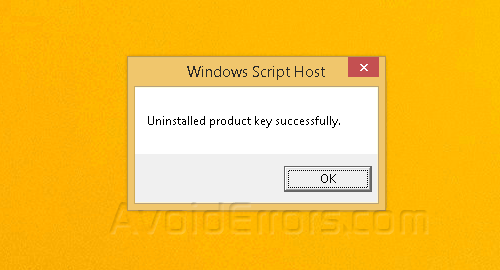
5. If everything goes well you’ll get a pop up window saying that your product key has been uninstalled.
To Install Your Product Key
1. Run Command Prompt as admin.
2. Then enter the following command:
slmrg /ipk “Windows product key”
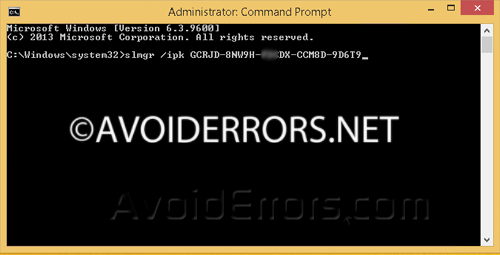
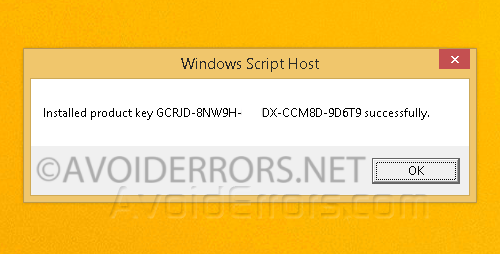
3. If everything goes well you’ll get a pop up window saying that your product key was installed.
That’s it, have fun!!!


